
Inventory
Track what the yard sells, receives, and moves.
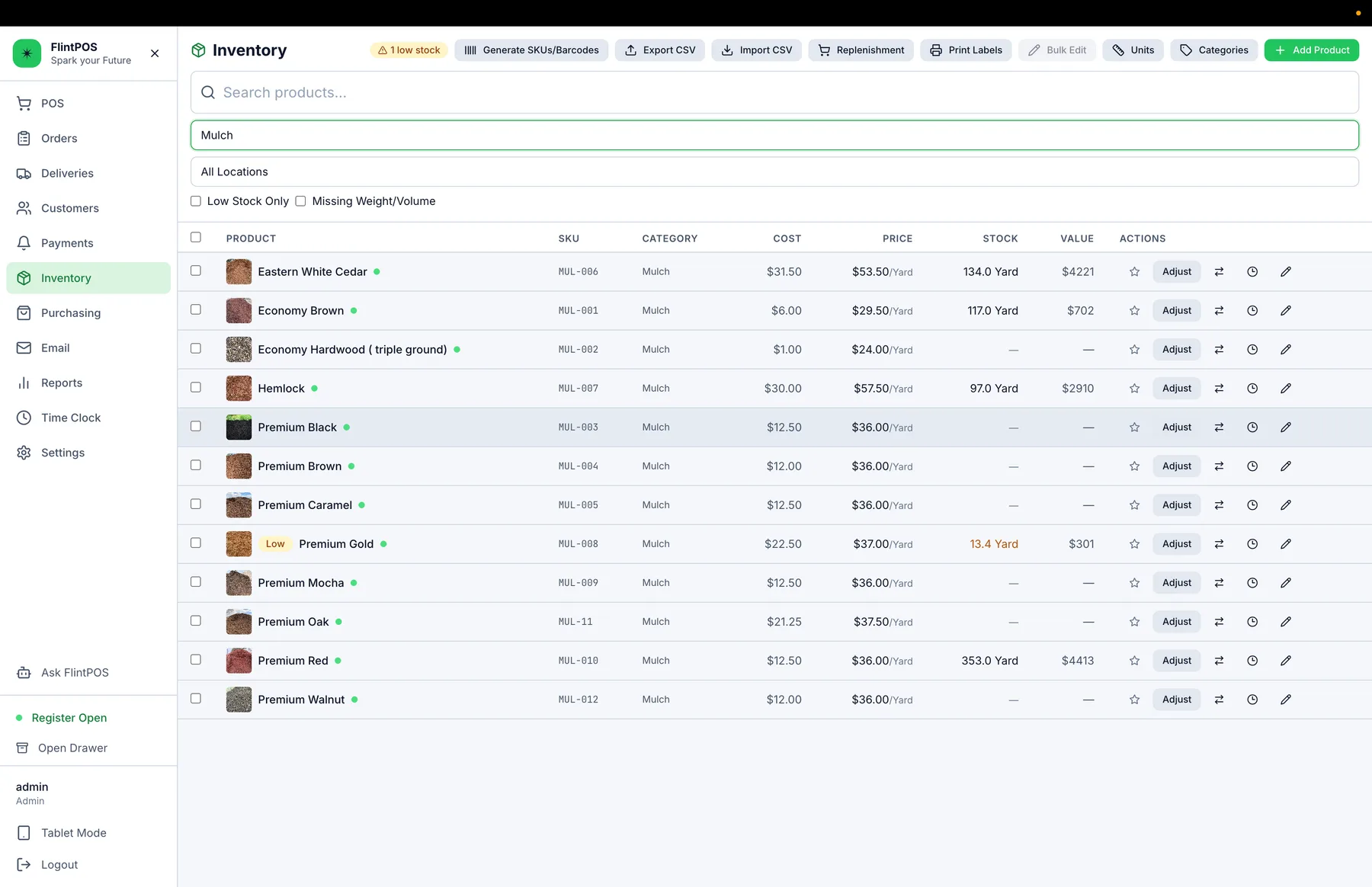
Keep product quantities, locations, purchase orders, receiving, and inventory activity tied to the same catalog used at the counter and online.
The inventory problem
Sales, deliveries, and receiving change the same stock.
A separate inventory spreadsheet falls behind as soon as material is sold, moved, reserved online, or received from a supplier. Staff lose time reconciling numbers instead of seeing the activity behind them.
How FlintPOS helps
Keep inventory beside the transaction that changed it.
FlintPOS records inventory activity across sales and operational workflows, while purchasing and receiving give the office a structured path for incoming stock.
Inventory quantities
Track products configured for inventory.
Multiple locations
Keep location-specific stock visibility.
Inventory history
Review the adjustments behind a quantity.
Purchase orders
Organize expected supplier purchases.
Receiving
Record goods received into inventory.
Supplier and bill workflows
Keep purchasing work organized in the office.
See where your inventory changes.
Walk through your catalog, locations, and receiving process with FlintPOS.