
Delivery-Location Sales Tax
Calculate tax where the material is delivered.
Use the delivery address to calculate the applicable tax records, then keep the result with the order and in tax reporting.
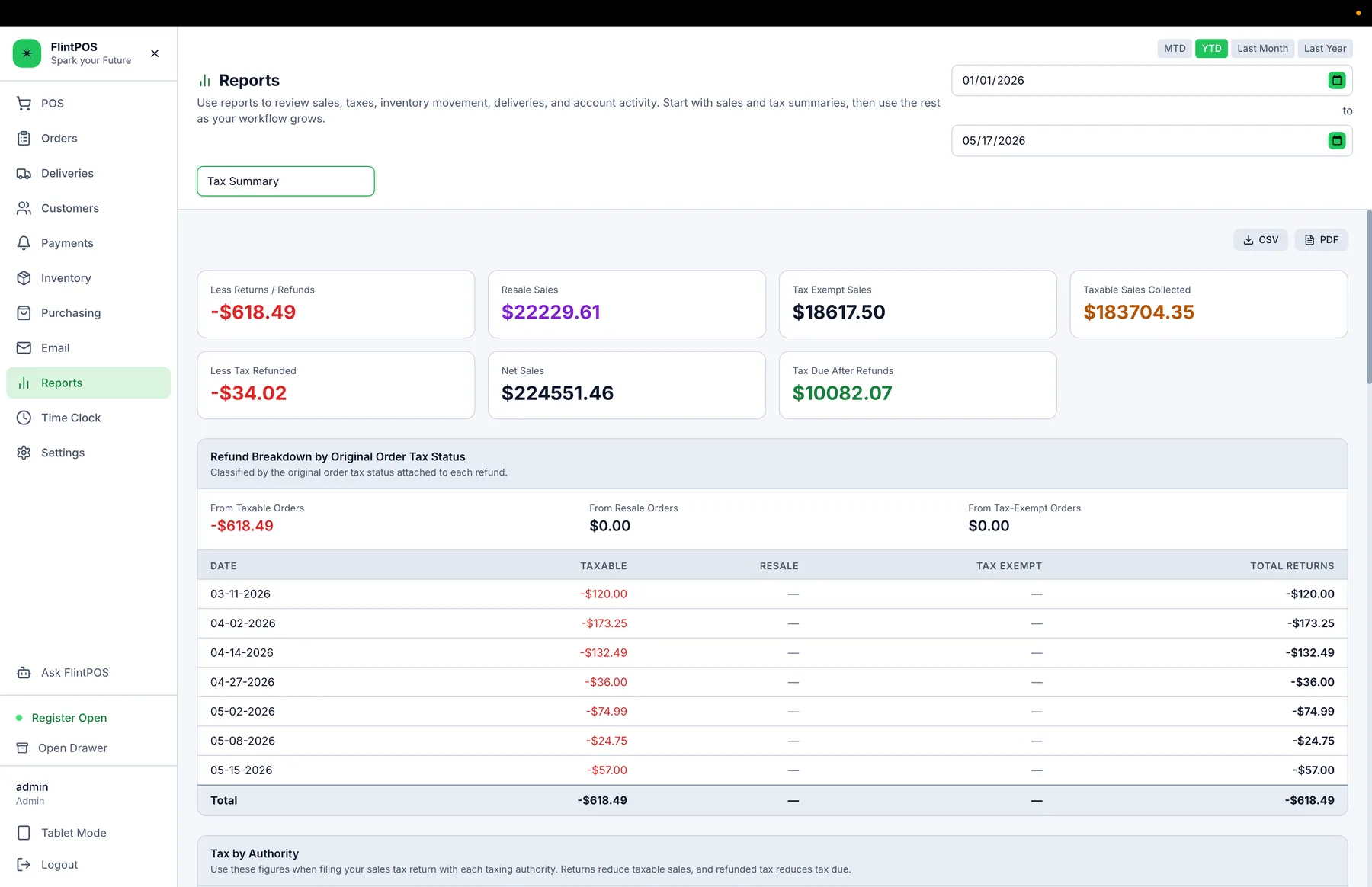
The tax problem
The store rate may not be the delivery rate.
Landscape materials cross city, county, and special-district boundaries. A generic register built around one store location can leave staff looking up rates or correcting delivered orders after the fact.
How FlintPOS helps
Use the delivery address during the sale.
FlintPOS calculates configured tax authorities from the delivery location and carries the tax details into the order and reporting. Tax-exempt customer records remain part of the same workflow.
Address-based calculation
Calculate from the delivery destination.
Stacked authorities
Support relevant configured jurisdiction records.
Tax-exempt customers
Keep exemption details with customer records.
Order-level detail
Retain tax results with the transaction.
Tax reports
Review taxable sales and tax by authority.
Refund classification
Keep tax corrections tied to original status.
Walk through the tax boundaries you deliver across.
See how FlintPOS uses the delivery address during order entry.